Aircampi Console for Web
Aircampi Console works anywhere you’ve got a web browser and the internet. Laptop, phone, tablet, hotel lounge, school computer lab, etc.
Go to console.aircampi.com.
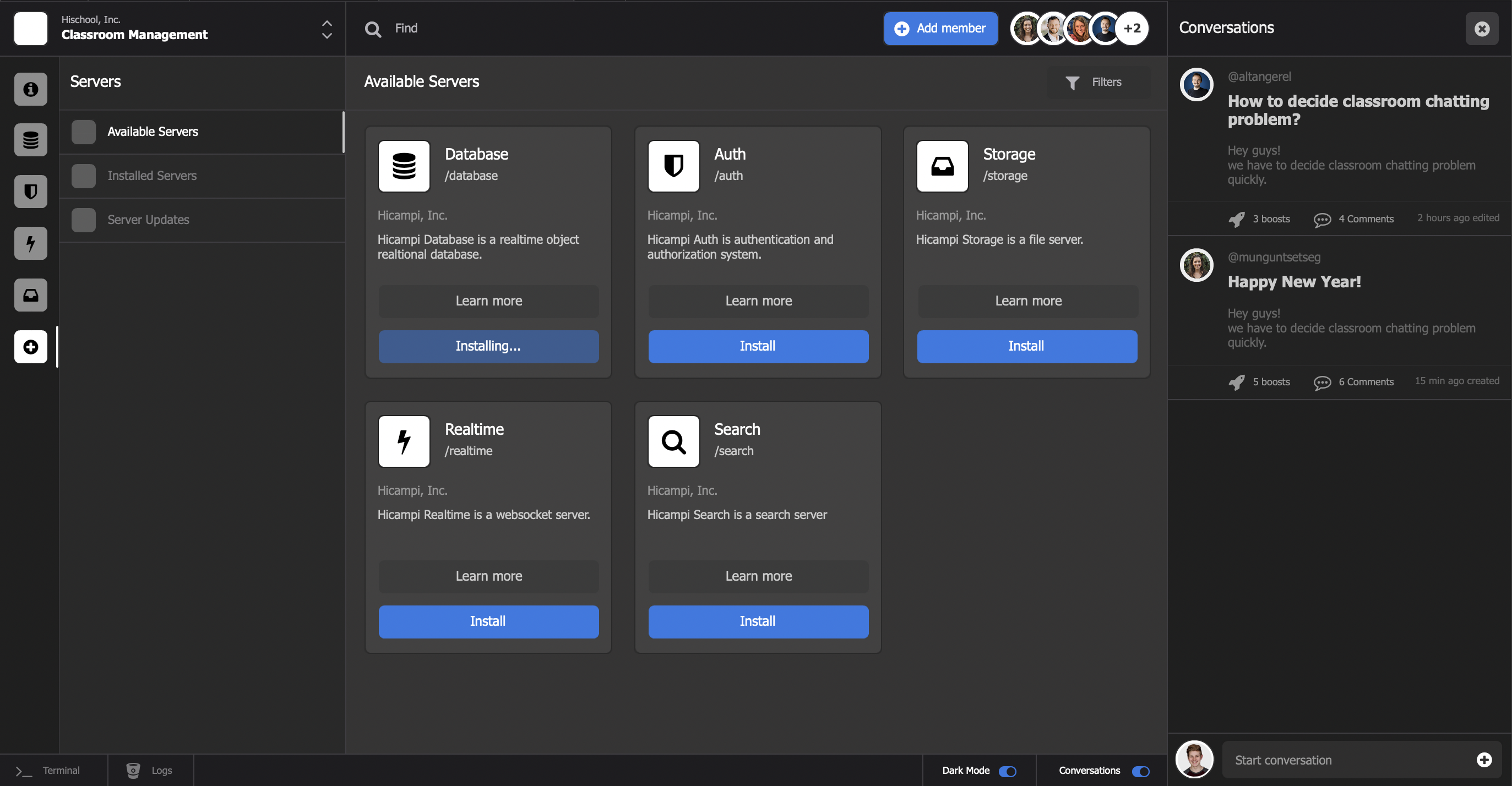
Supported Web Browsers
Aircampi Console for Web is built for modern browsers. You'll need to use one of the browsers below:
Keyboard Shortcuts
You can use keyboard shortcuts in Aircampi Console for Web.
| macOS | Windows | Description |
|---|---|---|
| Application Wide | ||
⌘ + 0 | Ctrl+0 | Go to 1st Tab (Home Tab) |
⌘ + 1 | Ctrl+1 | Go to 2nd Tab (If opened) |
⌘ + 2 | Ctrl+2 | Go to 3rd Tab (If opened) |
⌘ + 3 | Ctrl+3 | Go to 4th Tab (If opened) |
⌘ + 4 | Ctrl+4 | Go to 5th Tab (If opened) |
⌘ + 5 | Ctrl+5 | Go to 6th Tab (If opened) |
⌘ + 6 | Ctrl+6 | Go to 7th Tab (If opened) |
⌘ + 7 | Ctrl+7 | Go to 8th Tab (If opened) |
⌘ + 8 | Ctrl+8 | Go to 9th Tab (If opened) |
⌘ + 9 | Ctrl+9 | Go to 10th Tab (If opened) |
⌘ + / | Ctrl+/ | Find within campus |
⌘ + , | Ctrl+, | Go to Preferences |
⌘ + H | Hide the Aircampi Console application | |
⌥ +⌘ + H | Hide all other applications | |
⌘ + Q | Ctrl+Q | Quit Aircampi Console application |